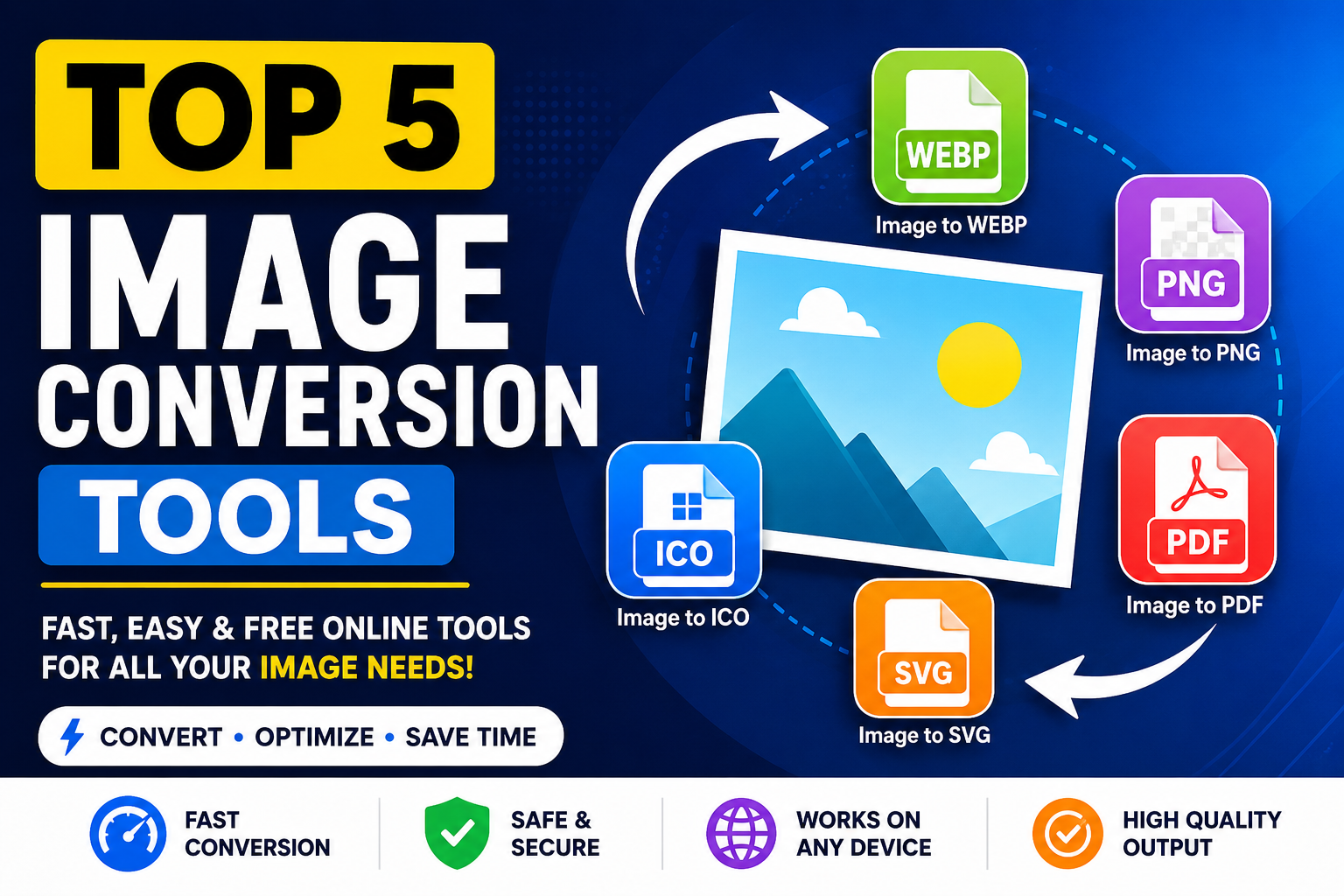
Images play an important role in websites, apps, social media, graphic design, and digital marketing. Choosing the right image format can improve loading speed, reduce file size, preserve quality, and make your content easier to share.
In this article, we highlight five useful image conversion tools available on Inzii and explain how each one can help your digital workflow.
1. Image to WEBP Converter
WEBP is a modern image format designed for websites and online platforms. It offers high-quality images with smaller file sizes, helping pages load faster and perform better.
Benefits of WEBP
- Smaller image file sizes
- Faster website loading speed
- Supports transparency
- Useful for blogs, portfolios, and online stores
2. Image to PNG Converter
PNG is a popular format for graphics, logos, screenshots, and transparent images. It preserves image quality and is widely supported across browsers, devices, and design tools.
Benefits of PNG
- High-quality image output
- Transparent background support
- Ideal for logos and web graphics
- Compatible with most platforms
3. Image to PDF Converter
PDF is one of the most reliable formats for sharing, printing, and archiving documents. Converting images to PDF helps organize visual files into professional documents.
Benefits of PDF
- Easy document sharing
- Professional presentation format
- Useful for printing and archiving
- Can combine multiple images into one document
4. Image to SVG Converter
SVG is a scalable vector format used for logos, icons, illustrations, and website graphics. SVG files can be resized without losing quality, making them ideal for modern design projects.
Benefits of SVG
- Scalable without quality loss
- Great for logos and icons
- Useful for responsive web design
- Editable with design tools and code editors
5. Image to ICO Converter
ICO is commonly used for website favicons, desktop icons, and application icons. A favicon helps make a website look more professional in browser tabs and bookmarks.
Benefits of ICO
- Perfect for website favicons
- Useful for software and app icons
- Supports multiple icon sizes
- Improves website branding
Why Use Online Image Conversion Tools?
Online image converters make it simple to change image formats without installing software. They are helpful for designers, developers, bloggers, students, businesses, and everyday users who need fast and reliable image tools.
- Convert images directly from your browser
- Save time when preparing images for websites or documents
- Improve compatibility across platforms
- Optimize images for performance and sharing
Choosing the right image format can improve website speed, image quality, compatibility, and digital workflow. Tools like Image to WEBP, Image to PNG, Image to PDF, Image to SVG, and Image to ICO help users manage images more efficiently online.
Inzii provides simple and practical image conversion tools designed to make digital image processing easier for everyone.